The challenge
← All projects 
Case Study
Anti
Track expenses in plain language while your records stay on your phone.
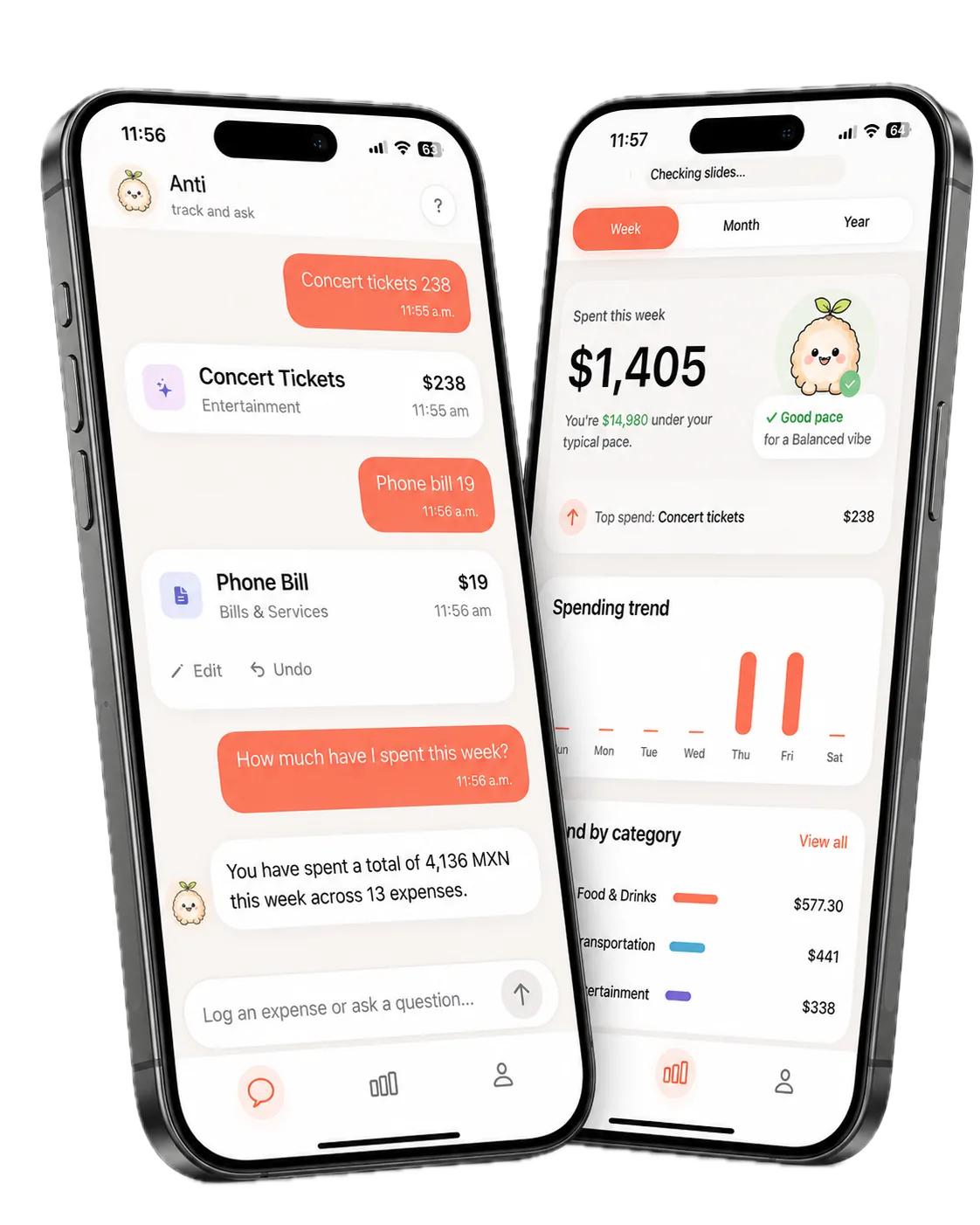
Log with chat, Siri, or Back Tap, ask questions about spending, and get a personal recap every week. No bank connection required.
Why Anti exists
The approach
Let people log in plain language from chat or a Shortcut, keep records local, and turn each week into a useful recap.
How it works
01
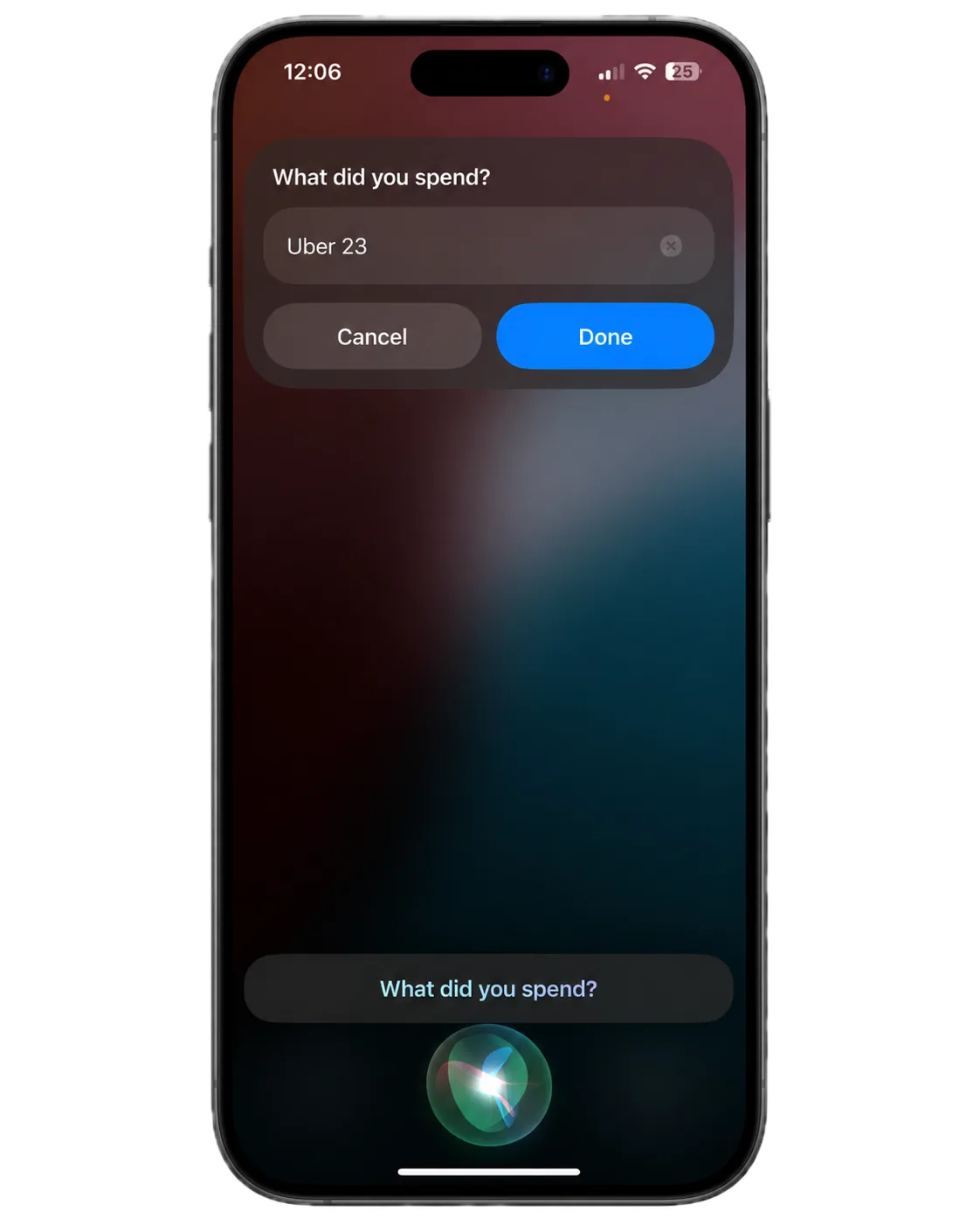
Log an expense your way
Type “140 Uber” in chat, use Siri, or trigger Back Tap. The same parser saves the amount and assigns a category.
02
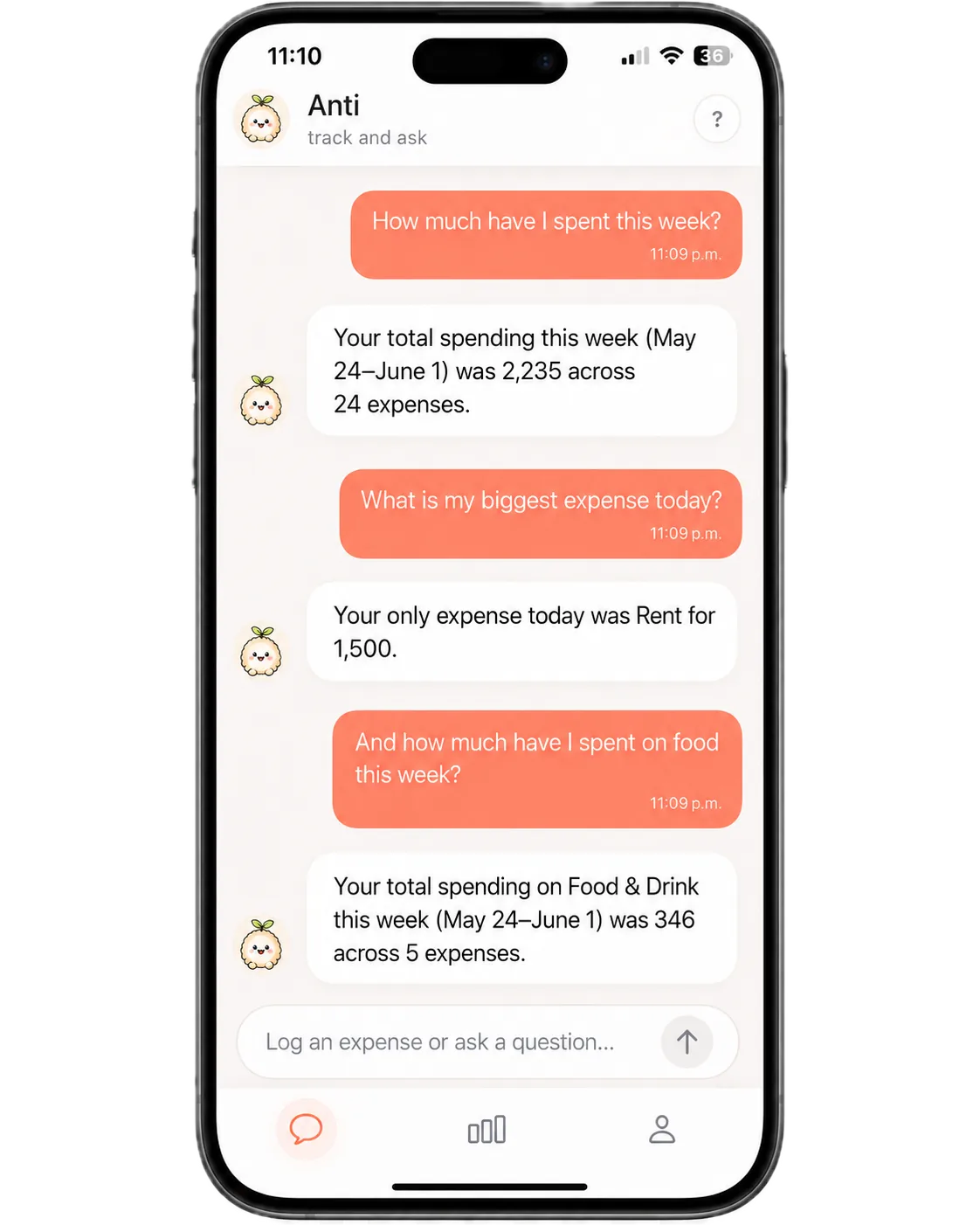
Ask about your spending
Ask a question in plain language. The app checks your local records and returns a short answer.
03
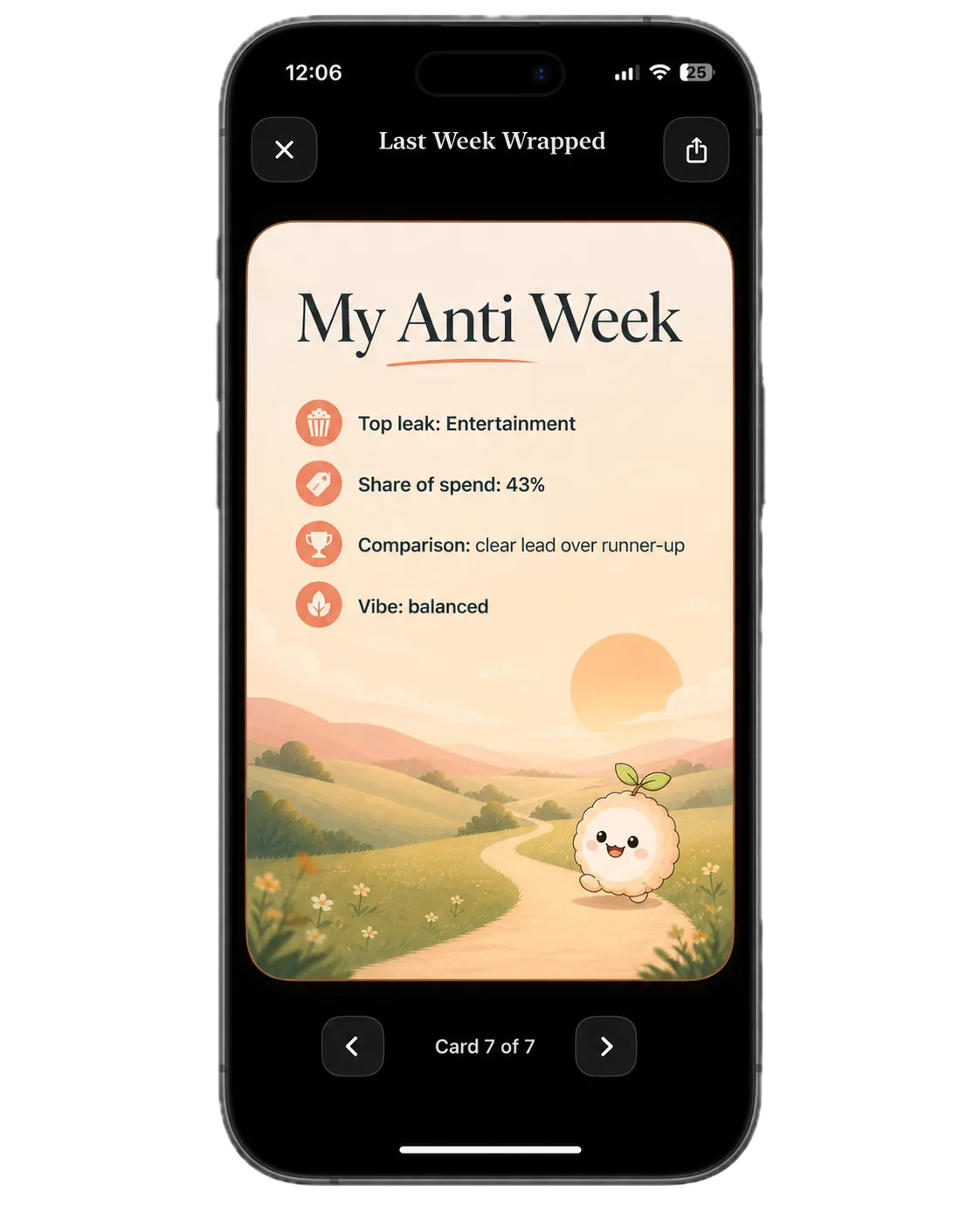
Get a weekly recap
Each week, Anti turns selected totals, category highlights, and places to adjust into a personal seven slide recap.
04
Keep your records private
No bank connection is needed. Expense logs and calculations stay on your phone.
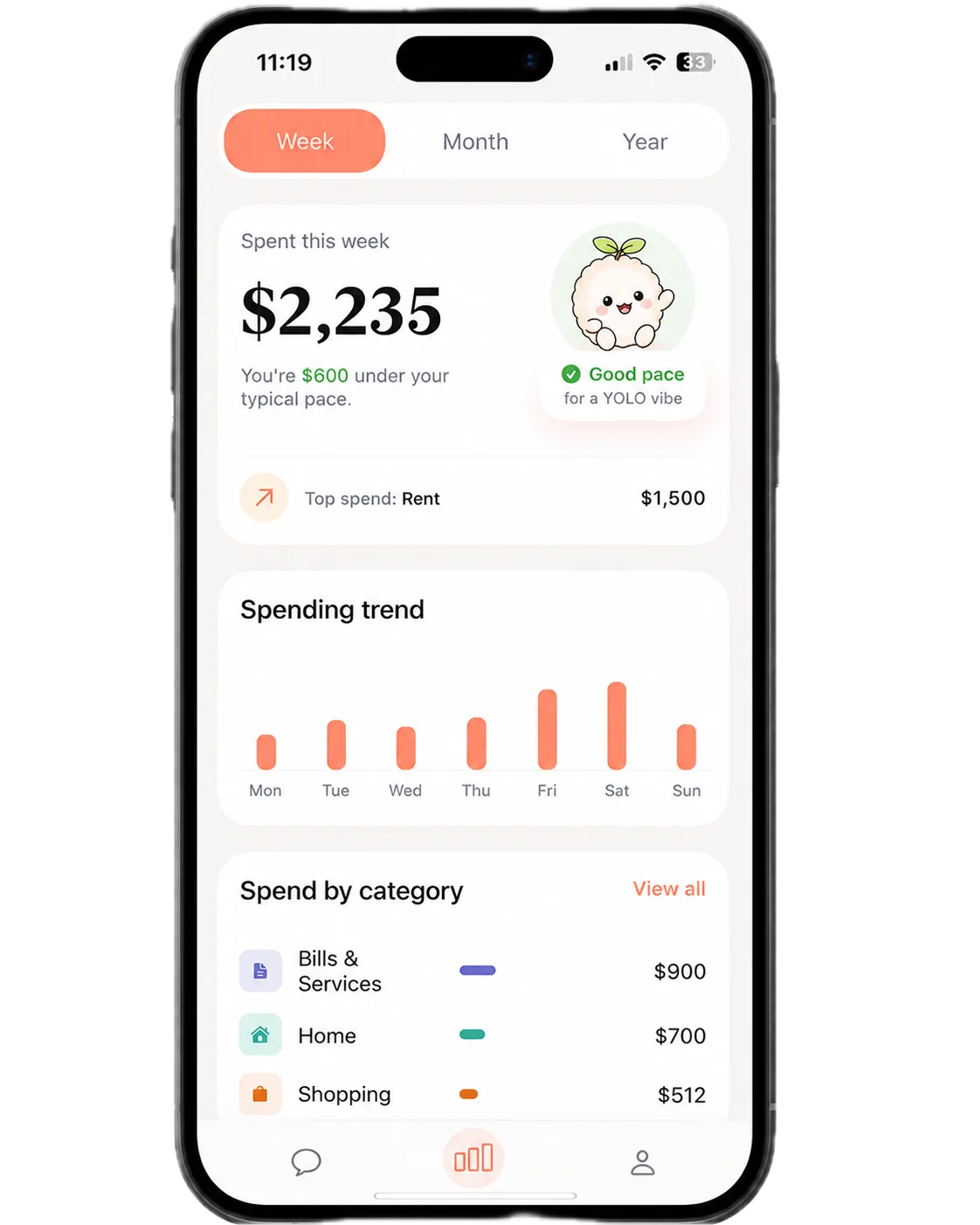
What I built
An iOS app and backend for local expense tracking, quick capture, spending questions, and weekly recaps.

Frontend / App
- Built SwiftUI screens for chat, activity, onboarding, paywall, and seven slide weekly recaps.
- Added local SwiftData storage, widgets, and App Intents so Siri and Back Tap use the same logging flow as chat.
Backend / Systems
- Built Fastify routes for message parsing, answer writing, recap status, and device registration.
- Added input validation, authentication, and daily limits for each user.
AI / Models
- Added a tool that lets the model request a filtered query of the local log, while the phone performs the calculation.
- Used DeepSeek V4 Flash for frequent logging, GPT 5.6 Terra for weekly recap analysis, and GPT Image 2 for personal recap visuals.
Engineering decisions
The choices that keep daily logging fast, calculations local, and weekly recaps personal.
Use a query tool for money questions
The model can request a filtered query of the local log. The phone does the math and sends back only the result needed for an answer.
Match model size to the job
DeepSeek V4 Flash handles frequent logging. GPT 5.6 Terra handles the more demanding weekly analysis that runs once a week.
Generate a recap for each person
GPT Image 2 creates a tailored recap visual each week, so every user gets something personal without maintaining a library of templates.